Getting into gaming doesn’t have to cost a fortune. That’s one of the most persistent myths that keeps beginners on the sidelines — the idea that you need to spend thousands before you can have a genuinely enjoyable experience. The truth is, with a little planning and some smart choices, you can build a solid gaming setup without emptying your bank account.
Here’s how to get started without the regret.
Start With the Right Platform
Before buying anything, decide where you want to play. This single decision shapes everything else.
For beginners on a budget, a console is usually the smarter first move. The PlayStation 5 and Xbox Series S both offer excellent gaming experiences right out of the box, with no need to worry about hardware compatibility or driver updates. The Xbox Series S in particular is one of the best value propositions in gaming right now — compact, affordable, and backed by Xbox Game Pass, which gives you access to hundreds of games for a monthly subscription rather than buying titles one by one.
If PC gaming appeals to you, consider a refurbished mid-range machine rather than building from scratch. A refurbished PC with a dedicated GPU can handle most modern games at medium settings and costs significantly less than a new build.
The Monitor: Don’t Overlook This
New gamers often overspend on a console and underspend on the display — which is backwards. A good monitor makes every game look and feel better. For budget setups, aim for a 24-inch Full HD (1080p) display with at least a 75Hz refresh rate. Brands like AOC, LG, and BenQ offer solid options in the affordable range that won’t leave you squinting or struggling with motion blur.
If you’re playing on a console, a decent-sized TV with low input lag works just as well and can often double as your everyday television.
Peripherals That Actually Matter
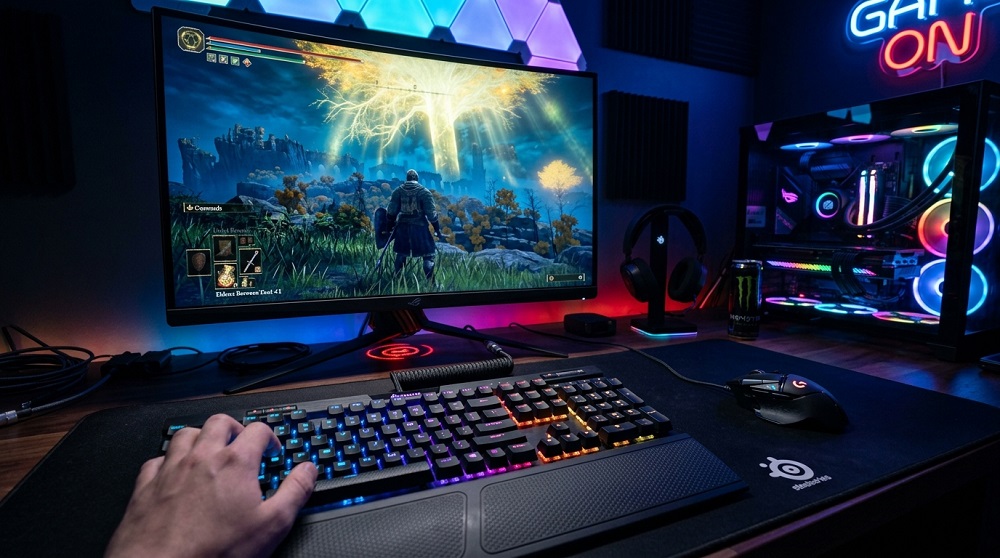
You don’t need a $150 headset or a glowing mechanical keyboard to enjoy gaming. Here’s what actually matters for beginners:
A comfortable headset with clear audio and a working microphone is enough for multiplayer gaming and communication. The HyperX Cloud Stingray and similar budget options punch well above their price.
For PC gamers, a basic mechanical keyboard and an optical mouse make a noticeable difference in feel without breaking the budget. Brands like Redragon offer surprisingly capable gear at entry-level prices.
Seating and Lighting
You’re going to be sitting for a while — your back will thank you for investing in a decent chair. It doesn’t have to be a branded gaming chair. A comfortable office chair with lumbar support does the job just as well, often for less money.
Bias lighting behind your monitor reduces eye strain during long sessions and costs almost nothing to add.
The Golden Rule for Budget Setups
Buy less, but buy better. One quality piece of equipment beats three cheap ones that frustrate you within a month. Start simple, learn what you actually need, and upgrade gradually. The best gaming setup is the one that makes you want to keep playing.